

GSuiteold
| G Suite for Education(原 Google Apps for Education) 使用說明 | |||||
|
G Suite for Education(原 Google Apps for Education) 服務說明 Google Apps for Education 常見問題 Google Apps for Education 使用者擁有多少儲存空間?(2018/3/21 摘自上述網址)
每位使用者都擁有無限的儲存空間,可供 Google 雲端硬碟、Gmail 和 Google 相簿共用 (如果貴機構中的使用者不超過 4 人,每位使用者可獲得 1 TB 的儲存空間)。
|
|||||
|
如何申請? 單位申請:填寫單位電子郵件申請單 |
|||||
|
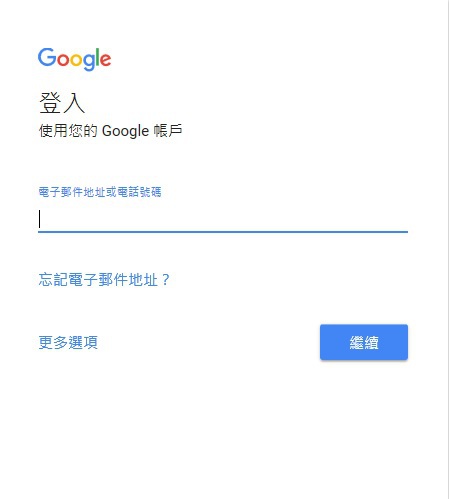
登入使用 Google 帳號登入點:https://accounts.google.com/ |
|||||
|
輸入G Suite帳號及密碼後登入。 |
|||||
|
雲端硬碟 Google Drive 開啟Google應用程式選取雲端硬碟。 |
|||||
| 我的雲端硬碟 My Drive | |||||
| 小組雲端硬碟 Team Drives | |||||
| 與我共用 Shared with me | |||||
| 雲端硬碟檔案串流 | |||||

 cc.nthu.edu.tw